



Parametre
- 184 stránok
- 7 hodin čítania
Viac o knihe
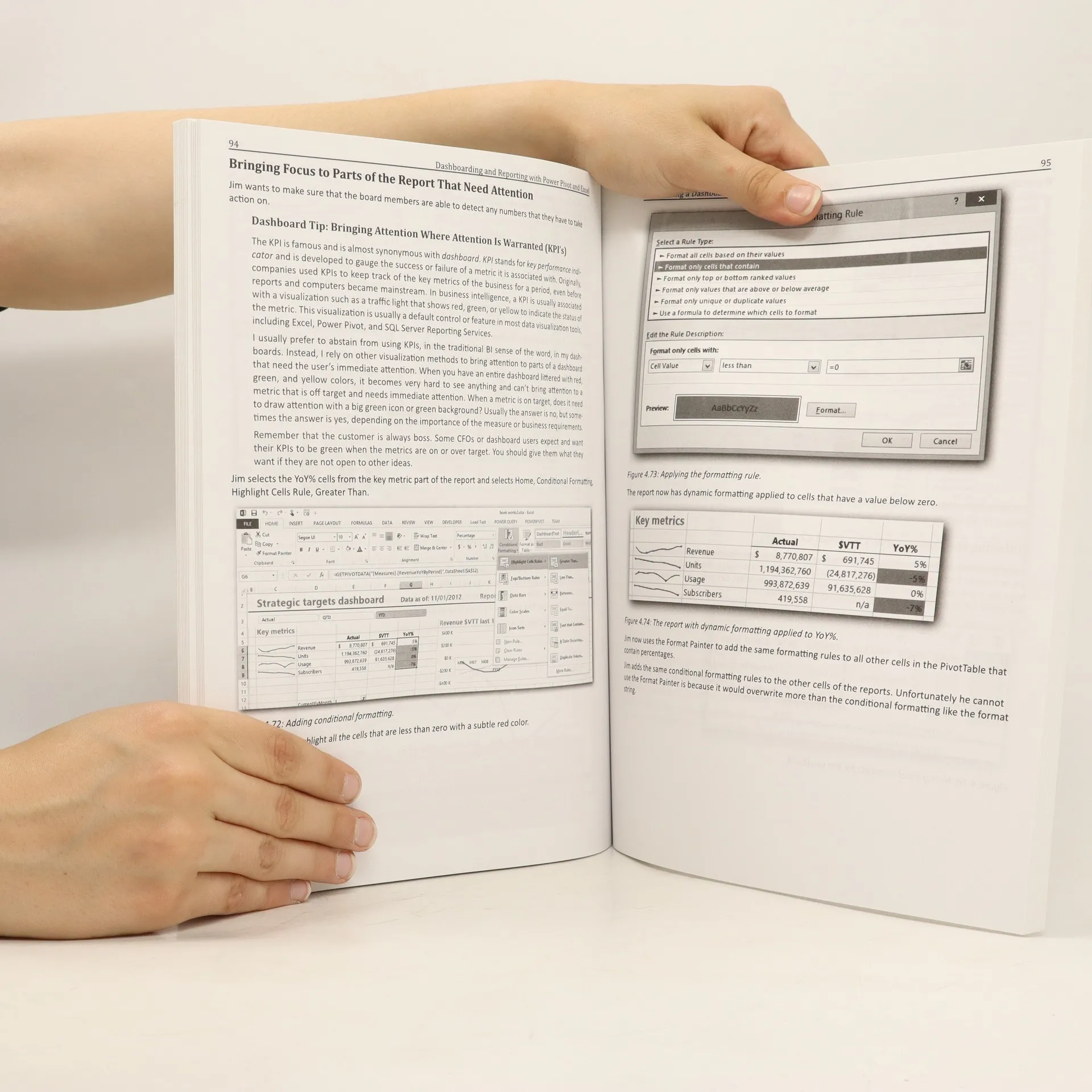
Microsoft’s revolutionary Power Pivot is a tool that allows users to create and transform data into reports and dashboards in new and much more powerful ways using the most-used analytical tool in the world: Excel. This book, written by a member of Microsoft’s Power Pivot team, provides a practical step by step guide on creating a financial dashboard. The book covers in detail how to combine and shape the relevant data, build the dashboard in Excel, providing layout and design tips and tricks, prepare the model to work with fiscal dates, and show values used in many financial reports, including year-to-date, variance-to-target, percentage-of-total, and running totals reports. Accessibly written, this book offers readers a practical, real-world scenario and can be used as a day-to-day reference. Though the guide focuses on Power Pivot for Excel 2010, a chapter that discusses Power View—compatible with Excel 2013— and Power BI is also included.
Nákup knihy
Dashboarding and Reporting with Power Pivot and Excel, Kasper de Jonge
- Jazyk

- Rok vydania
- 2014
- Väzba
- (mäkká)
Platobné metódy
Tu nám chýba tvoja recenzia
- Titul
- Dashboarding and Reporting with Power Pivot and Excel
- Jazyk
- anglicky
- Autori
- Kasper de Jonge
- Vydavateľ
- Holy Macro!
- Rok vydania
- 2014
- Väzba
- mäkká
- Počet strán
- 184
- ISBN10
- 1615470271
- ISBN13
- 9781615470273
- Série
- Hodnotenie
- 4,1 z 5
- Anotácia
- Microsoft’s revolutionary Power Pivot is a tool that allows users to create and transform data into reports and dashboards in new and much more powerful ways using the most-used analytical tool in the world: Excel. This book, written by a member of Microsoft’s Power Pivot team, provides a practical step by step guide on creating a financial dashboard. The book covers in detail how to combine and shape the relevant data, build the dashboard in Excel, providing layout and design tips and tricks, prepare the model to work with fiscal dates, and show values used in many financial reports, including year-to-date, variance-to-target, percentage-of-total, and running totals reports. Accessibly written, this book offers readers a practical, real-world scenario and can be used as a day-to-day reference. Though the guide focuses on Power Pivot for Excel 2010, a chapter that discusses Power View—compatible with Excel 2013— and Power BI is also included.